
Transform Your Website: Role of AI in Web Development
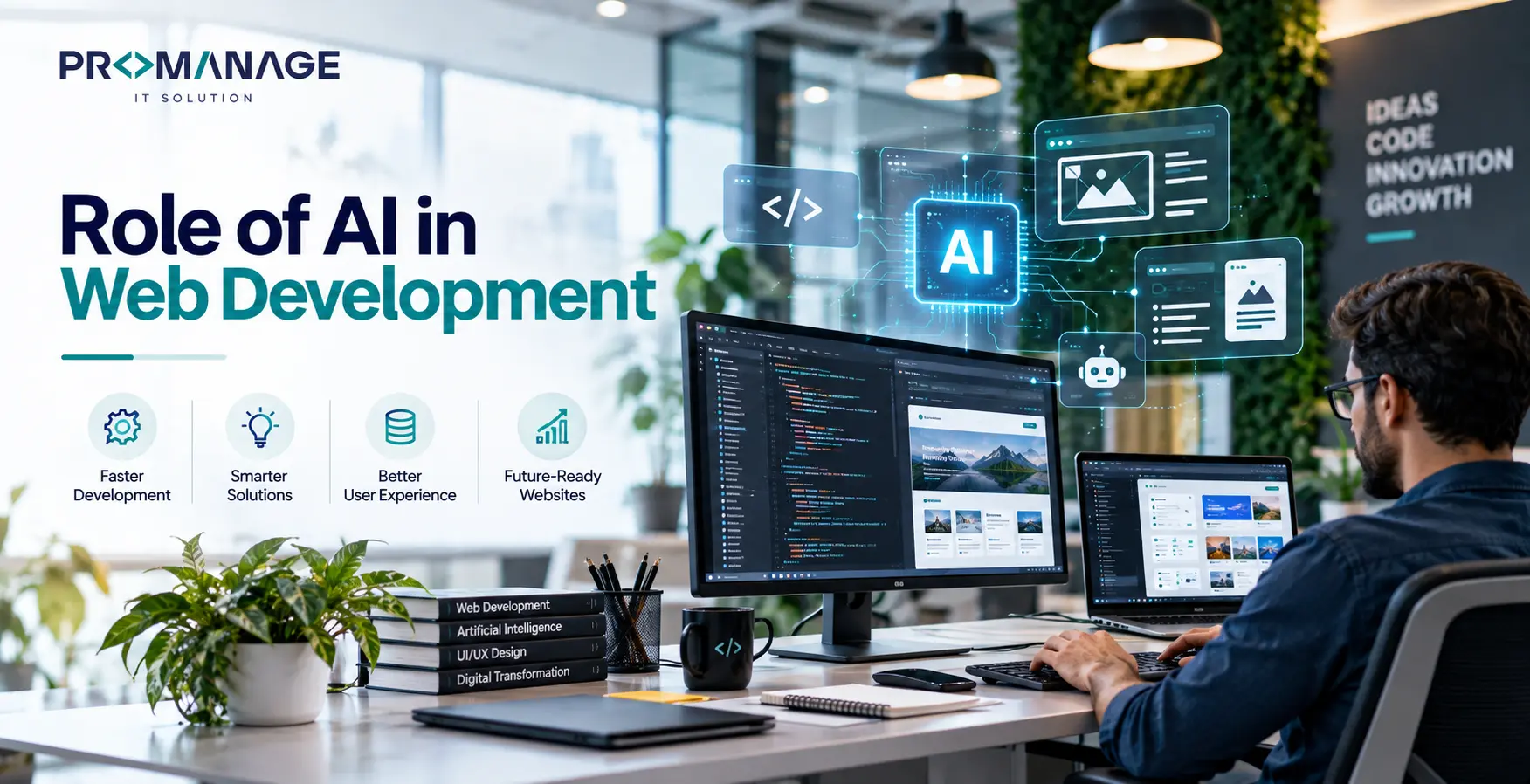
Welcome to the future of website development. It’s not just about coding anymore. With Artificial Intelligence (AI) stepping in, the game has changed. AI is not just a buzzword; it’s a powerhouse reshaping how we build, manage, and optimize websites.
Why is this important? In the past, web development was a manual and often tedious task. Developers coded line by line. But now, AI can automate many of these processes. This makes website creation faster and more efficient. It’s like having a smart assistant who knows exactly what your site needs.
Imagine this: AI can analyze user behavior, predict trends, and even optimize content for search engines. This means your website can be smarter and more responsive to your users’ needs. And who doesn’t want that?
But let’s not get ahead of ourselves. Before we dive into the specifics, let’s set the stage. This guide will take you through the basics of AI in web development. We’ll explore its history, how it works, and what the future might hold. You’ll learn about the tools available and best practices to follow. Plus, we’ll tackle some common questions you might have.
So, are you ready to transform your website? Let’s get started.
Key Takeaways
- AI automates and enhances web development processes.
- AI tools improve user experience and site performance.
- Understanding AI trends helps future-proof your website.
Understanding AI Web Development
AI in web development is like having a supercharged toolbox. But what exactly is AI? Simply put, AI refers to machines that can learn and make decisions, much like humans. In web development, AI helps automate tasks, improve user experience, and enhance site performance.
Historically, web development required hands-on coding. Every feature, every design element, had to be manually crafted. Developers spent hours tweaking code to get things just right. But with AI, many of these tasks are now automated. AI can generate code, suggest design improvements, and even fix bugs.
Here’s how you can start using AI on your site today. First, identify repetitive tasks that take up your time. These might include content updates, SEO optimization, or user data analysis. Next, explore AI tools that can handle these tasks. Tools like ChatGPT can generate content, while Google’s AI can optimize SEO efforts. Finally, integrate these tools into your workflow. This way, you can focus on more strategic tasks. For better website performance, faster loading, and simpler maintenance, learn the basics in our guide to static website design
What about the future? AI is evolving rapidly. We can expect even more sophisticated tools that provide deeper insights and automation. Imagine AI that not only suggests but also implements changes based on real-time data. It’s not just a dream; it’s the future of web development.
FAQs About AI for Web Development
- How does AI improve user experience?
AI analyzes user data to make personalized recommendations, improving engagement. - Will AI replace web developers?
Not entirely. AI assists developers but doesn’t replace the need for human creativity and oversight. - What are the risks of using AI tools for web development?
AI can make mistakes, especially if not monitored properly. Always review AI-generated content. - Is AI expensive to implement?
It depends on the tools you choose. Many AI tools offer affordable pricing plans. - Will AI dominate web development in the future?
AI will play a significant role, but human input will remain essential.
AI Tools for Web Development
AI tools are transforming how we approach website development. These tools can save you time, reduce errors, and improve your site’s performance. But with so many options, which ones should you choose?
Let’s look at some popular AI tools for development. First, there’s WordPress’s AI plugin. It helps with content creation and SEO optimization. Then there’s Adobe’s Sensei, which enhances design elements using AI. These tools offer a head start in automating your web tasks.
Historically, developers relied on manual coding and design. But with AI, even complex tasks can be simplified. AI tools can analyze data, optimize images, and even suggest layout improvements. This means less time spent on tedious tasks and more time on innovation.
Now, you might wonder how to implement these tools. Start by identifying the areas where you need help. Is it content creation, design, or data analysis? Once you know, choose tools that fit your needs. Most AI web development tools offer trial periods, so you can test before committing.
Looking to the future, AI tools for development will become even more intuitive. They’ll learn from user interactions, providing even more personalized experiences. It’s an exciting time for web developers, and AI is leading the charge.
FAQs About AI Web Development Tools
- Are AI tools for web development easy to use?
Most AI tools are user-friendly, with intuitive interfaces and guides. - Do AI tools require coding knowledge?
It depends on the tool. Some require basic coding skills, while others are plug-and-play. - How do AI web development tools improve SEO?
They analyze data and suggest optimizations for better search engine rankings. - Can AI tools design websites?
Yes, AI tools can suggest layouts and design elements based on user preferences. - Will AI tools replace human designers?
AI assists designers but doesn’t replace the need for human creativity.
AI and SEO Optimization
SEO is crucial for any website. But keeping up with SEO trends can be challenging. This is where AI steps in. AI can analyze vast amounts of data quickly, providing insights that improve your site’s ranking.
In the past, SEO was a manual process. You’d research keywords, optimize content, and hope for the best. But AI changes the game. It can analyze competitor sites, suggest keyword improvements, and even predict SEO trends.
So, how do you get started with AI for SEO? First, use AI tools like Semrush or Ahrefs. These tools analyze your site and offer optimization suggestions. They look at your site’s performance, backlinks, and keywords. Next, implement these suggestions and monitor the results. AI tools often provide real-time updates, so you can see what’s working.
Looking ahead, AI will continue to shape SEO strategies. It will offer more personalized recommendations and deeper insights. This means you’ll be ahead of the curve, optimizing your site for future trends. If your website traffic drops after a Google Core Update, read our guide on why website traffic drops after a Google Core Update and how to fix it to identify potential SEO issues and improve your search visibility.
FAQs About AI in SEO
- How does AI improve keyword research?
AI analyzes search trends and competitor keywords to suggest effective keywords. - Can AI tools predict SEO trends?
Yes, AI tools analyze data to predict future SEO trends and opportunities. - Are AI-generated SEO suggestions accurate?
While generally accurate, it’s essential to review and test AI suggestions. - Do AI tools handle content optimization?
Many AI tools offer content optimization features, enhancing readability and SEO. - Will AI tools replace SEO experts?
AI assists but doesn’t replace the strategic insights of SEO experts.
AI in Design and User Experience
Design and user experience (UX) are critical components of any website. AI can transform these areas, offering insights and automation that enhance user engagement.
Historically, designers relied on intuition and manual testing. But AI can analyze user interactions and suggest design improvements. It can even personalize the user experience, tailoring content to individual preferences.
How can you use AI in design? Start by using tools like Adobe Sensei. This tool analyzes design elements and suggests improvements. It can enhance images, layouts, and even typography. Next, consider AI tools like Figma. They offer collaborative design features, making it easier to work with teams.
The future of AI web development in design is promising. We can expect more personalized experiences and real-time design updates. AI will continue to learn from user interactions, offering even more tailored experiences.
FAQs About AI in Design and UX
- How does AI improve user engagement?
AI personalizes content and design, enhancing user engagement. - Can AI tools design websites from scratch?
Some AI tools offer design templates and suggestions but require human input. - Do AI tools support collaborative design?
Yes, many AI tools offer collaborative features for team projects. - How does AI enhance images and graphics?
AI tools can improve image quality and suggest graphic design improvements. - Will AI replace human designers?
AI assists designers but doesn’t replace the need for human creativity and oversight.
Future Trends in AI Web Development
AI in web development is evolving rapidly. But what does the future hold? Let’s explore some trends you should watch.
First, expect more personalized user experiences. AI will continue to learn from user interactions, offering tailored content and design. This means better engagement and higher conversion rates.
Next, AI will enhance predictive analytics. It will analyze user data to predict behavior and trends. This means you can make informed decisions and stay ahead of the competition.
Finally, top AI in web development will offer more automation. From content creation to design updates, AI will handle more tasks, freeing up your time for strategic planning.
In conclusion, AI is reshaping web development. By staying informed about trends, you can future-proof your website and offer the best user experience.
FAQs About Future AI Trends
- What are the benefits of personalized experiences?
Personalized experiences increase user engagement and satisfaction. - How does AI enhance predictive analytics?
AI analyzes data to predict user behavior and trends. - Will AI replace developers in the future?
AI will assist developers, but human oversight remains essential. - Can AI tools handle all web development tasks?
AI tools handle many tasks but still require human input for complex decisions. - How can I stay updated on AI trends?
Follow industry blogs and attend AI conferences to stay informed.
FAQ’s
1. How does AI for web development improve website performance?
AI analyzes user data, optimizes content, and automates tasks, enhancing site speed and user experience.
2. Can AI web development tools replace web developers?
AI tools assist developers by automating tasks, but they don’t replace the need for human creativity and oversight.
3. What are the risks of using AI in web development?
AI can make mistakes if not monitored properly. Always review AI-generated content for accuracy.
4. How do best AI web development tools improve SEO?
AI tools analyze data and suggest optimizations to improve search engine rankings.
5. Will AI dominate web development in the future?
AI will play a significant role, but human input will always be essential for creative and strategic decisions.
Ready to transform your website with AI? Share your thoughts and experiences with Promanage IT Solution. Start exploring AI tools today and see the difference they can make.

Related Posts



SEO Team Lead
Preeti is a skilled SEO Team Lead passionate about boosting organic traffic and improving search rankings. She leads with data-driven strategies to help businesses grow online effectively.