
WhatsApp Web Login: Everything You Need to Know!
If you’ve ever tried juggling between typing on your phone and working on your laptop, you probably already know the magic of WhatsApp Web login. This feature lets you connect your WhatsApp account to your desktop or browser so you can send messages, share media, and even manage business accounts without switching devices every five minutes.
But here’s the thing: there are different ways to access WhatsApp Web. From the classic QR code scan to attempts at WhatsApp Web login with phone number, users often wonder which method is the easiest, fastest, and most secure.
In this guide, we’ll cover everything you need to know: how to log in, what options are (and aren’t) available, how to stay safe, and tips for both personal and business WhatsApp Web login.
At ProManage IT Solution, we help businesses develop secure web applications that integrate with platforms like WhatsApp and boost team productivity
What is WhatsApp Web Login?
WhatsApp Web login is the process of accessing your WhatsApp account from a desktop, laptop, or even tablet via a browser or app. Instead of using your phone for every conversation, you simply go to web.whatsapp.com or open the desktop WhatsApp app and sync it with your mobile account.
It’s essentially a mirror of your WhatsApp app! Every message, photo, or file you see on your phone appears instantly on your browser.
Why do people love it?
- Easier typing with a full keyboard
- Faster file transfers between PC and chats
- Great for multitasking at work
- Useful for customer support with WhatsApp Business Web login
How to Log in to WhatsApp Web
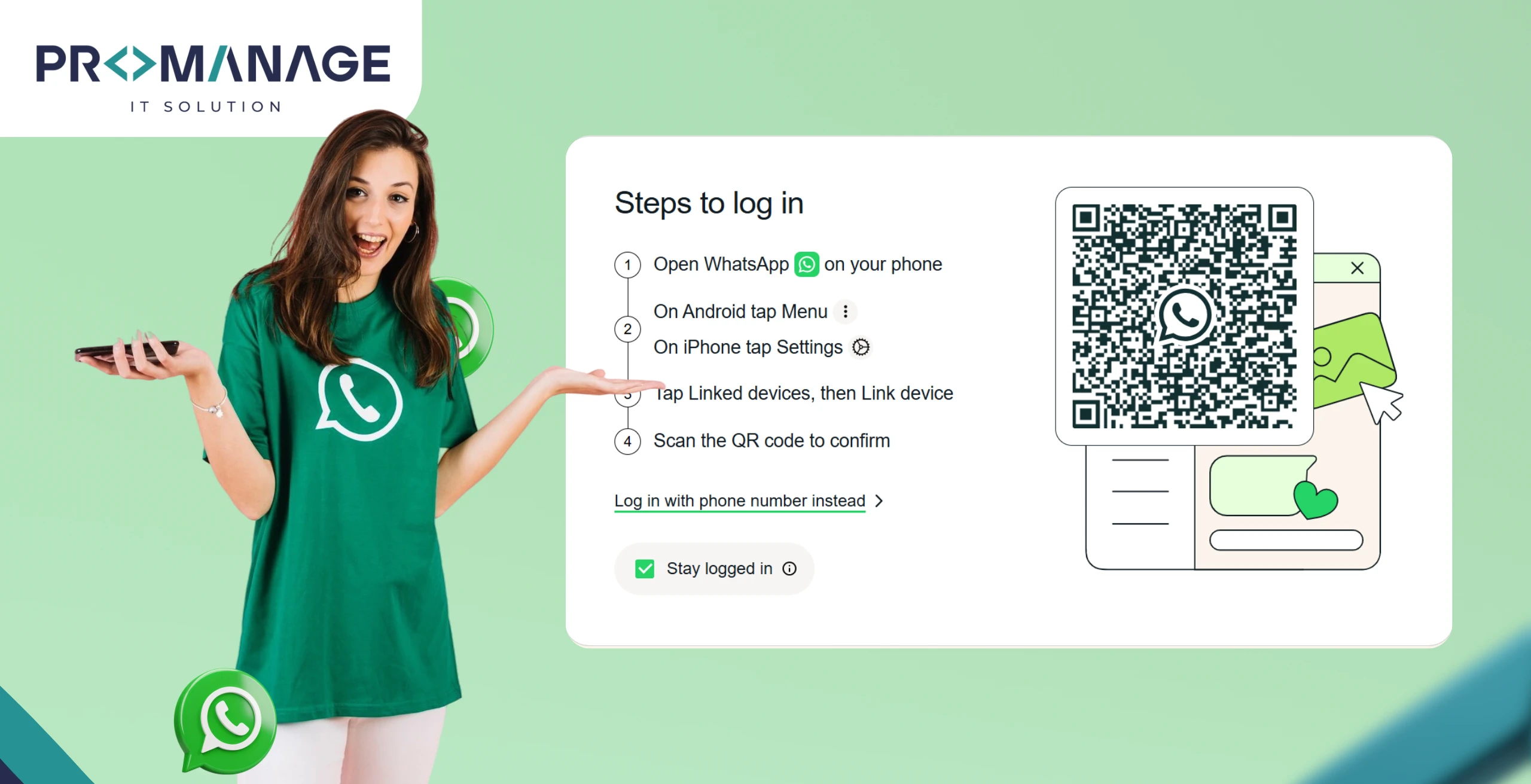
The most common way to log in is through a WhatsApp Web QR code. Here’s how:
- Open your browser and go to the WhatsApp Web login page (web.whatsapp.com).
- You’ll see a QR code on the screen.
- On your phone, open WhatsApp > tap the three dots (Android) or settings (iPhone).
- Select Linked Devices > Link a Device.
- Scan the QR code with your phone’s camera.
That’s it! You’re instantly logged in.
For WhatsApp Business Web login, the process is exactly the same. You just need the WhatsApp Business app on your phone instead of the standard one.
WhatsApp Web Login with Phone Number: Is It Possible?
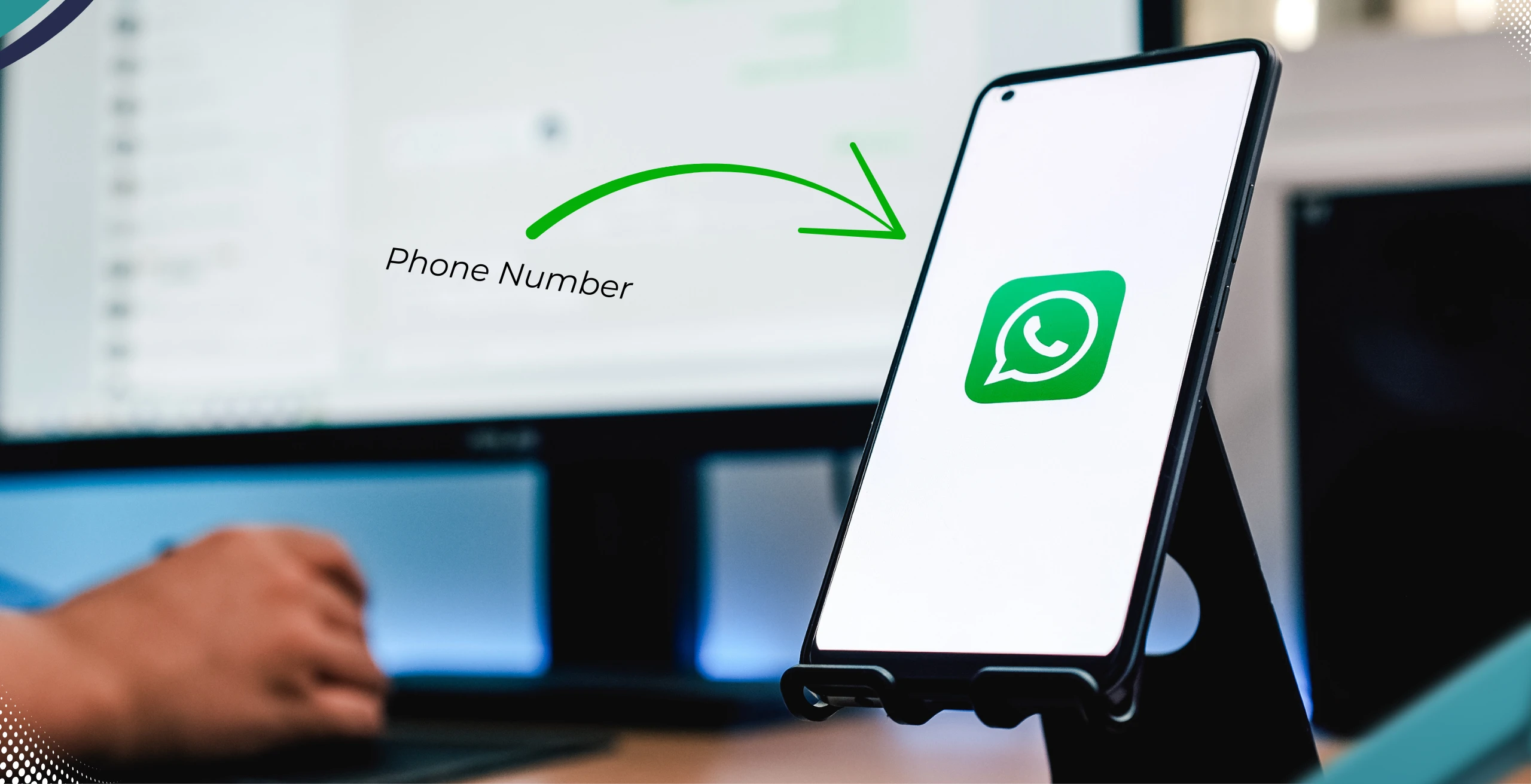
One of the most searched questions is whether you can use WhatsApp Web login with phone number without a QR code. Unfortunately, as of 2025, this option doesn’t exist officially.
Why? The QR scan is designed as a security layer. It ensures that no one can log in to your account unless they physically have your phone.
That said, there are third-party websites and tools that claim to offer WhatsApp Web login with OTP or phone number. But here’s the red flag:
- Many of them are scams.
- They might compromise your personal data.
- WhatsApp itself does not support this method.
So, if you see “Web WhatsApp login with OTP” or “login WhatsApp Web with phone number without QR code,” proceed with extreme caution.
WhatsApp Web Login on Different Platforms
Depending on your device, here are your main options:
- WhatsApp Web login Chrome: Open Chrome, type whatsapp.com login, scan the QR code, and you’re in.
- WhatsApp Web login on iPhone: Works the same way, just go to Linked Devices in your iPhone WhatsApp.
- WhatsApp Web login on Android: Identical process.
- WhatsApp Business Web login PC: For business owners, you can log in on a desktop the same way and manage client chats smoothly.
- WhatsApp Web app login: If you prefer, download the WhatsApp desktop app instead of using the browser.
WhatsApp Web Login History and Security
Worried someone might be spying on your account? You can easily check your WhatsApp Web login history.
Here’s how:
- Open WhatsApp on your phone.
- Go to Linked Devices.
- You’ll see a list of all active sessions (browser, location, and last active time).
- If something looks suspicious, tap Log Out immediately.
This is crucial if you have ever used a shared computer for WhatsApp Web login in Chrome or other browsers.
WhatsApp Web for Business
For small business owners, WhatsApp Business Web login is a lifesaver. Instead of switching between your phone and computer, you can:
- Manage multiple customer chats on a big screen.
- Use quick reply templates.
- Share invoices, PDFs, and documents directly.
- Track orders and provide faster customer support.
Whether it’s WhatsApp Business web login with phone number or with QR code, the process is identical to the regular app.
Our Digital Marketing team helps brands optimise customer communication through WhatsApp Business automation
Common WhatsApp Web Login Problems
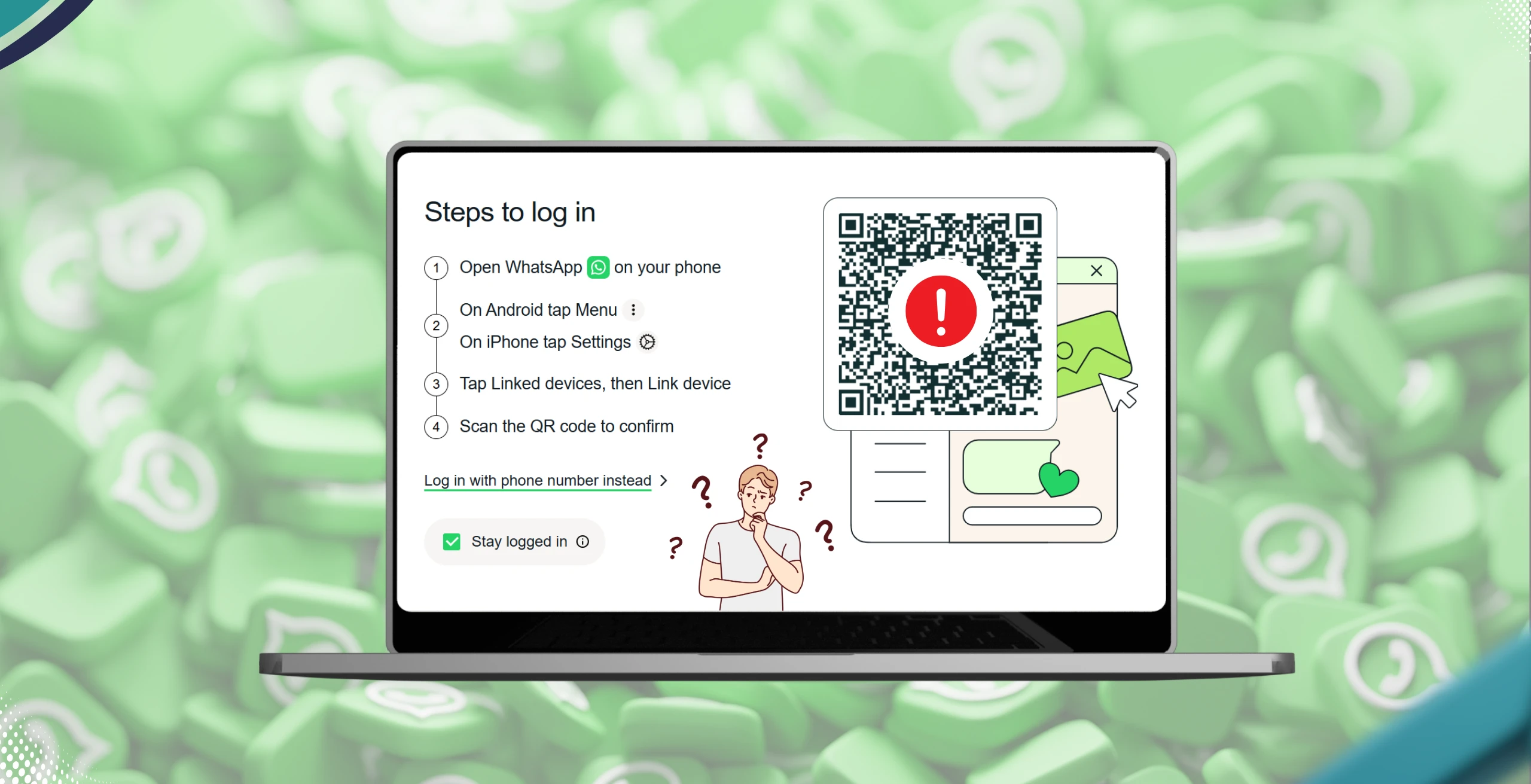
Sometimes, users face hiccups. Here are the common ones:
- QR Code not scanning? Clean your phone camera or increase screen brightness.
- WhatsApp Web login without phone not working? That’s because your phone must stay connected to the internet.
- WhatsApp Web login problem in Chrome? Clear cache, update your browser, and try again.
- Session expired? Simply rescan the QR code.
If technical setup issues persist, our web experts in Noida can assist with WhatsApp integration and troubleshooting
Quick Comparison: WhatsApp Web Login Options
| Login Method | Availability | Notes |
| QR Code Scan | Official – High | Fastest & safest method |
| Phone Number / OTP | Not supported – Risky | Beware of scams |
| Desktop App Login | Official – High | Works same as browser |
| Login Without Phone | Not possible | Phone must stay connected |
FAQs About WhatsApp Web Login
Q1. What is WhatsApp Web login?
It’s a way to access your WhatsApp account on a browser or PC by syncing with your phone.
Q2. Can I log in to WhatsApp Web with a phone number without a QR code?
No, WhatsApp does not allow direct phone number login. Only QR scan is supported officially.
Q3. How to check WhatsApp Web login history?
Go to WhatsApp > Linked Devices on your phone to see all active sessions.
Q4. Can I log in to WhatsApp Web without scanning?
No, scanning the QR code is mandatory for security reasons.
Q5. How to log in to WhatsApp Web on mobile?
Technically, WhatsApp Web is built for desktop. But with “Desktop Site” mode in Chrome or Safari, you can access it on mobile.
Q6. How to fix the WhatsApp Web login problem?
Check your internet, update your browser, clear your cache, or rescan the QR code.
Final Thoughts
The WhatsApp Web login feature is, without effort, one of the best tools for productivity. Just like choosing the digital marketing services or partnering with the website agency, using reliable tools can make your workflow smoother. While many people search for shortcuts like WhatsApp Web login with phone number without QR code, the reality is that the QR scan method is one of the safest and most reliable. Whether for communication, project management, or SEO services, efficiency and security always matter.
From everyday users who want easy typing to business owners managing customer chats! WhatsApp Web online login makes life smoother. Just don’t forget to log out after use. Check your login history. Avoid third-party login tricks.
If you’re based in New york, London, or Houston Texas, our experts at ProManage IT Solution can help you integrate WhatsApp with your website and improve visibility through tailored web development and SEO services
Whatsapp use as both private messgaing app and professional messaging app

Related Posts











SEO Team Lead
Preeti is a skilled SEO Team Lead passionate about boosting organic traffic and improving search rankings. She leads with data-driven strategies to help businesses grow online effectively.