
Google Can Handle Multiple URLs for the Same Content
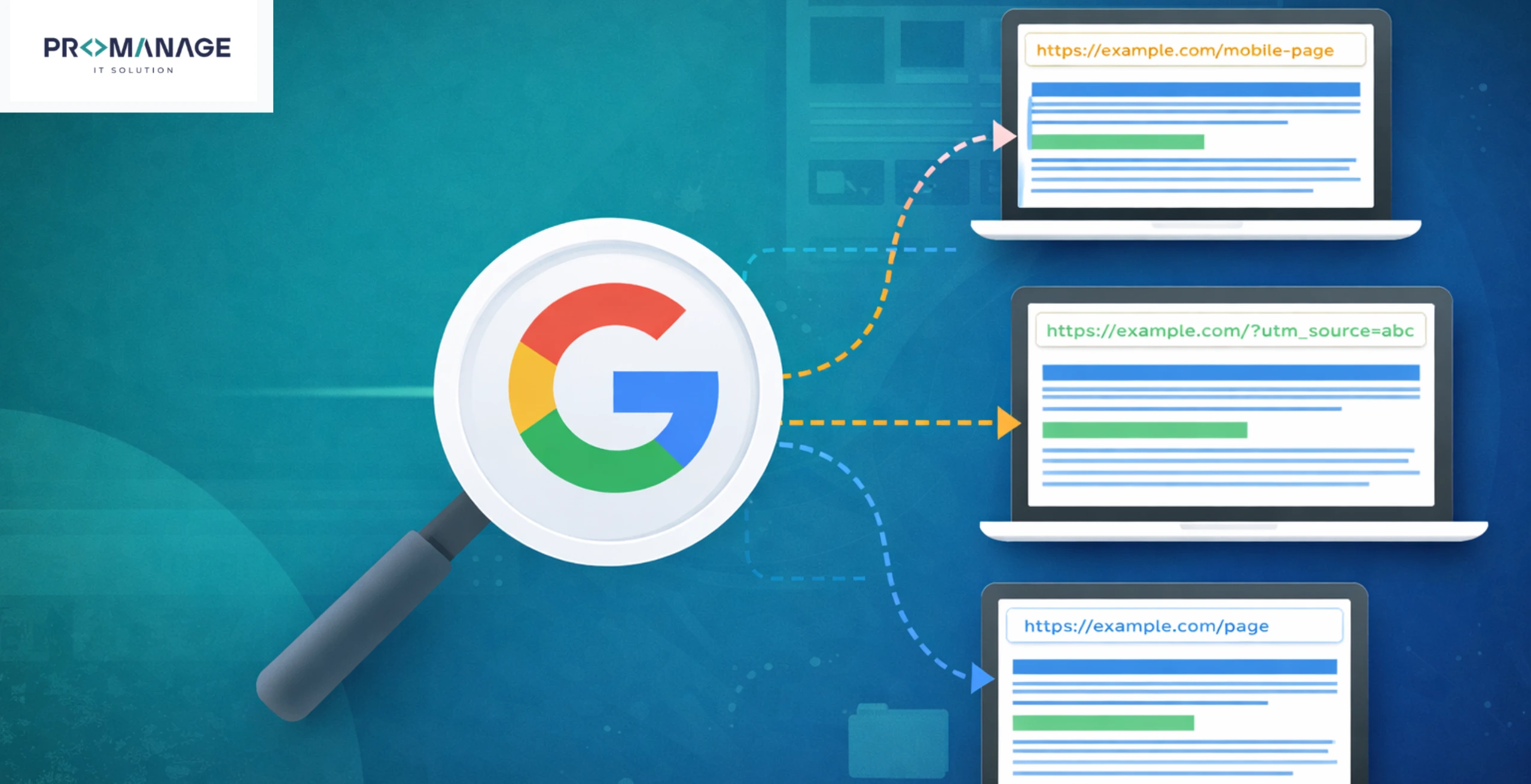
Many website owners worry when they see different URLs showing similar content. It feels like something is wrong! It might hurt rankings.
But the truth is simple: Google can handle this situation very well.
In fact, this is a very common thing on the internet.
Recently, John Mueller from Google explained this clearly while answering a question online.
Let’s break everything down in the easiest way possible.
The Problem: Duplicate URLs After Website Changes
A website owner made some changes to their site.
Earlier, their page URLs looked like this:
- com/recipe/pasta
After the redesign, the URLs became:
- com/pasta
So, they removed the /recipe/ part.
But here’s the issue:
- The old URLs (with /recipe/) were still working
- The new URLs were also working
- Both showed the same content
When the owner checked Google Search Console, they saw:
- Some old URLs were still there
- Some pages had errors earlier
- Some were not indexed
This made them worried.
They thought:
- Will Google get confused?
- Will my rankings drop?
- Did I make a mistake by asking Google to recrawl old URLs?
This is a very normal fear.
Google’s Answer: No Penalty for Duplicate URLs
John Mueller gave a very clear answer.
There is NO penalty for having multiple URLs with the same content.
This is important.
Google does NOT punish your site just because:
- The same page is available on different URLs
- Or old URLs are still accessible
He also said something very useful: Almost every website has this issue in some form
So, you are not alone.
What Google Actually Does
Instead of getting confused, Google does something smart.
It chooses ONE version of the page
This is called: Canonicalization
In simple words:
- Google picks the “main” URL
- This is the one it shows in search results
- Other versions are treated as duplicates
So even if you have:
- com/page
- com/recipe/page
Google will choose one and ignore the other for ranking.
Why Duplicate URLs Happen (Very Common Reasons)
Google itself says duplicate content happens for many reasons.
Let’s look at simple examples:
1. Country or Region Versions
Same content for different countries:
- com/us/page
- com/uk/page
Content is mostly the same.
2. Mobile and Desktop Versions
Different URLs for devices:
- example.com/page
- com/page
3. HTTP vs HTTPS
Two versions of the same page:
- http://example.com
- http://example.com
4. Filters and Sorting
For example, in shopping sites:
- com/shoes?color=black
- com/shoes?sort=price
Same products, different URLs.
5. Mistakes (Very Common)
Sometimes old versions stay active by mistake.
Like:
- Old URLs still working after redesign
- Test or demo pages not removed
So yes, duplicate URLs are normal on the web.
The Real Issue: Not Duplicate Content, But Confusion
Here’s the important part most people miss.
- Duplicate content is NOT the real problem
- Mixed signals are the real problem
What does that mean?
If your website sends confusing signals, Google may not pick the version you want.
For example:
- Your sitemap shows one URL
- Your internal links point to another
- Your canonical tag says something else
Now Google has to guess.
And guessing is not good for SEO.
What Is Technical SEO Doing Here?
Technical SEO helps you guide Google.
Think of it like giving clear directions.
Instead of saying:
“Go somewhere there…”
You say:
“Go exactly here.”
Ways to Tell Google Which URL You Prefer
You can guide Google using simple methods:
1. Internal Linking
Always link to the same version of your page.
Don’t mix old and new URLs
2. 301 Redirects
Redirect old URLs to new ones.
Example:
- /recipe/page → /page
This tells Google: “This is the new version. Use this.”
3. Canonical Tag
This is very important.
You add a small code that says: “This is the main page.”
4. Sitemap Consistency
Only include your preferred URLs in your sitemap.
5. Keep Everything Consistent
This is the biggest rule.
- Same URL everywhere
- Same structure
- No confusion
What Did John Mueller Mean by “You’re Making It Harder”?
He said something interesting: “It’s fine, but you’re making it harder on yourself.”
This means:
- Google will figure things out anyway
- But you are creating extra work
Like:
- Requesting recrawls for old URLs
- Keeping multiple versions active
- Not cleaning up properly
Google can handle it…
But why not make it easier?
How Google Chooses the Main Page
Google looks at many signals to decide:
- Which page is more complete
- Which is more useful
- Which is linked more
- Which is cleaner
Then it selects the best one as: Canonical page
After that:
- That page is crawled more often
- Other duplicates are crawled less
This saves time and resources.
A Simple Way to Understand This
Imagine you have 3 copies of the same book.
Google will:
- Pick the best copy
- Keep it in the library
- Ignore the others
But if all copies look different or confusing…
It takes longer to decide
SEO Is About Being Clear and Consistent
At a higher level, SEO is very simple.
Make things easy for Google
That means:
- Clear URLs
- Clean structure
- Proper linking
- No confusion
Even your HTML structure matters.
Using proper headings and layout helps Google understand: What your page is about!
What Is “Main Content”
Google tries to find: The main topic of your page.
This is sometimes called: “Centerpiece content.”
Google chooses one as the main version if multiple pages have the same main content.
Important Takeaways
Let’s summarize everything:
- Multiple URLs with the same content = No penalty
- Google will choose one version automatically
- Duplicate content is normal on the internet
- The real problem is confusion, not duplication
- You can guide Google using technical SEO
- Consistency is the key to better SEO
Final Thought
Don’t panic if you see duplicate URLs.
It’s not a disaster.
But don’t ignore it either.
- Clean things up
- Be consistent
- Guide Google clearly
Think of SEO like this: You are helping Google understand your website better
And when Google understands your site easily…
Your chances of ranking improve naturally!

Related Posts


SEO Team Lead
Preeti is a skilled SEO Team Lead passionate about boosting organic traffic and improving search rankings. She leads with data-driven strategies to help businesses grow online effectively.